
Starting a blog for free sounds simple until you actually compare the platforms. Most free blogging platforms for beginners will let you publish without paying, but the experience can change quickly once you want more control over your design, domain, SEO, or monetization.
That is why I tested each of the blog builders in this guide while putting the comparison together.
The main thing to keep in mind is that “free” usually comes with trade-offs. Some platforms add their own branding, restrict custom domains, limit SEO settings, or hold back monetization features.
So this guide focuses on how each free blogging platform actually feels to use, what you get without paying, and where the limits start to show.
7 Free Blogging Platforms for Beginners at a Glance
If you just want the quick version before getting into the full reviews, this table gives you the main differences between the seven free blogging websites for beginners that I have tested.
| Blog Builder | Best For | Custom Domain | Monetization | Limitation |
|---|---|---|---|---|
| WordPress.com | Overall for blogging | No | Limited on free plan | Many useful features require an upgrade |
| Wix | Visual design | No | Limited | Wix branding and free-plan restrictions |
| Blogger | A simple free blog | Limited | Yes | Dated interface and fewer design options |
| Medium | Writers who want an audience | No | Through Medium’s program | Very little control over design and ownership |
| Substack | Newsletter-first blogging | No | Paid subscriptions | Limited website customization |
| Ghost | Serious publishing | Depends on hosting | Strong | Requires hosting or a paid managed plan |
| Bear Blog | Minimalist blogging | Limited | Very limited | Extremely simple design and feature set |
There is no single best option for everyone.
If you want the most traditional blogging experience, WordPress.com is the strongest all-rounder. Wix makes more sense if design freedom matters more to you, while Blogger is still useful if you simply want to publish without paying for hosting.
- How Did We Test and Select These Free Blogging Platforms for Beginners?
- What Should You Look for in a Free Blogging Website?
- Which Free Blogging Platform Is Best for Beginners?
- FAQs about Free Blogging Platforms for Beginners
- What is a Free Blogging Website?
- Is There a Completely Free Blogging Platform for Beginners?
- Can You Create a Blog for Free Without Buying Hosting?
- Can You Make Money With a Free Blog?
- Is Blogger Still Worth Using in 2026?
- Can You Use Your Own Domain With a Free Blog Builder?
- What Is the Easiest Free Website Builder for a Blog?
1. WordPress.com – Best Free Blogging Platform for Beginners
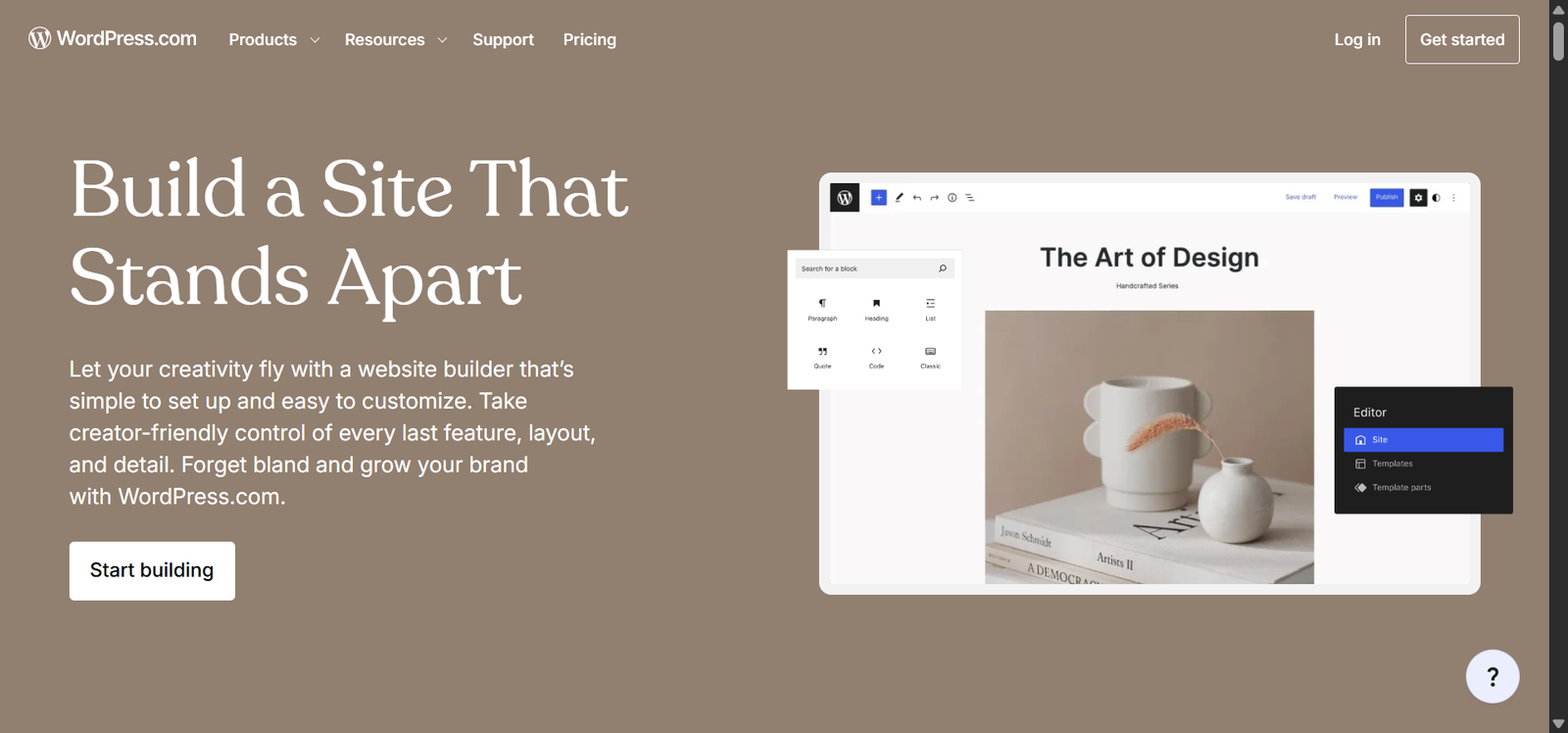
WordPress.com is probably the easiest place to start if you want something that still feels like a real blogging platform rather than a stripped-down publishing tool. In fact, Daily Digital Grind is also built on this platform.
The setup is fairly straightforward: create an account, choose a site name, pick a theme, and you can start writing almost immediately. This blogging website will feel familiar to anyone who has used modern WordPress before.
What stood out most during testing was how much room there is to grow. You can start with a basic free site, learn the editor, organize posts into categories, add pages, and get comfortable with the platform before paying for anything.
What Was the Setup Like for WordPress?
WordPress.com guides you through the early steps, so you are not dropped into an empty dashboard with no idea what to do next. You choose your site name, select a design, and then move into the editor.
I would say the biggest advantage here is familiarity. If you later move to a self-hosted WordPress setup, a lot of what you learn carries over. It also starts making more sense once you start comparing WordPress with marketing platforms like HubSpot .
- Clean, mature editor that is easy to get used to
- Easy to organize posts, pages, and categories
- Gives you room to grow into a more complete website
- Skills you learn here transfer well if you later move to self-hosted WordPress
- The free plan becomes restrictive once you want more control
- A custom domain requires a paid plan
- Some of WordPress’s more powerful features are locked behind upgrades
- The free version may feel limiting once the blog starts growing
2. Wix – Best for Visual Design and Easy Customization
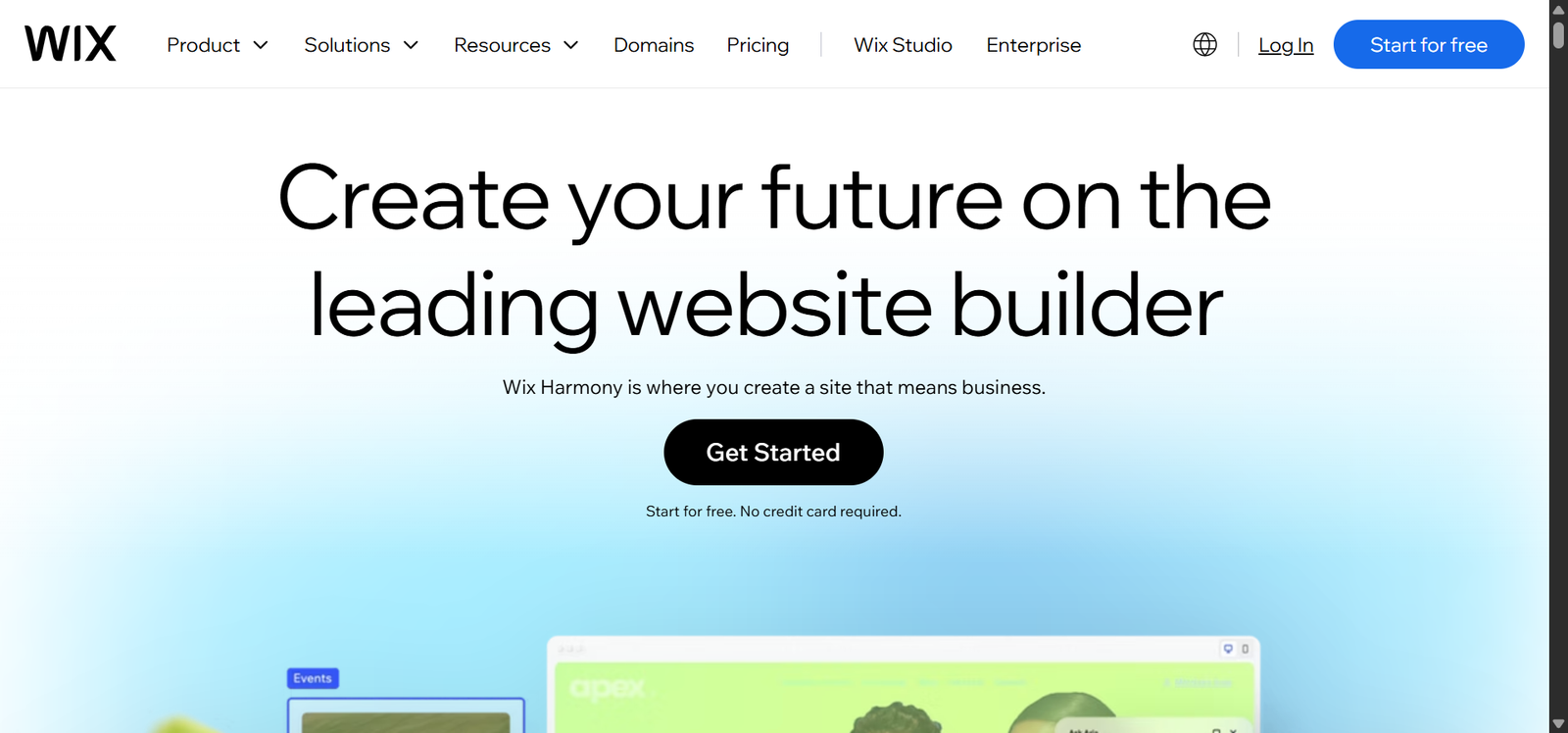
Wix is a strong option if you want a blog that looks polished without having to code anything. Its biggest advantage is the visual drag-and-drop editor, which gives you much more control over page layouts than simpler blogging platforms.
The free plan is enough to build and publish a basic blog, but it comes with Wix branding and a Wix subdomain. You’ll also need to upgrade if you want to connect your own domain or unlock some of the more advanced features.
This free blogging site also includes useful blogging and SEO features, including custom titles, meta descriptions, URLs, image alt text, categories, and scheduled posts. It feels more like a full website builder with blogging built in.
Is Wix Easy to Set Up for a Blog?
Yes, the setup process is beginner-friendly.
You can start with a template, answer a few questions about the kind of site you want, and then customize the design inside the editor. The process is more visual, so you spend less time thinking about menus and settings.
That makes Wix especially approachable for someone building a first blog who wants to see changes as they make them.
- The visual editor gives you a lot of design freedom
- Large selection of templates for different types of websites
- You can build a full website around your blog
- More control over page layouts than most simple blogging platforms
- It is easy to spend too much time designing instead of publishing
- The free plan displays Wix branding
- You cannot connect your own domain on the free plan
- The number of settings and design options can feel overwhelming at first
3. Blogger – Best for a Simple, Completely Free Blog
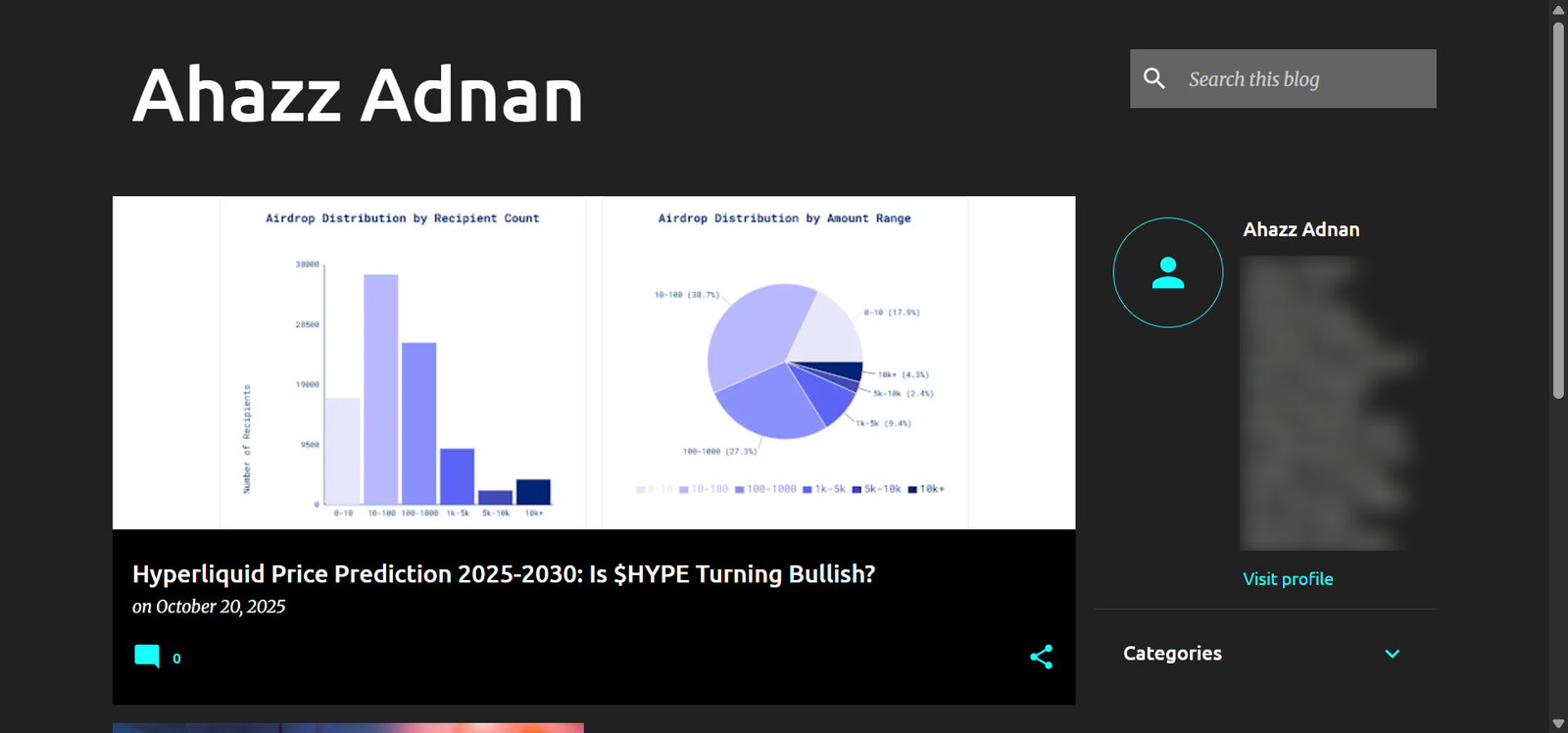
Blogger is one of the simplest options if your main goal is to get a blog online without paying for hosting or dealing with a complicated setup. Google owns it, uses your Google account for sign-in, and gives you a free “blogger.com” address by default.
The platform feels much more basic than Wix or WordPress.com, but that is also part of its appeal. You get the core tools needed to write posts, organize them with labels, manage comments, and publish content regularly.
Blogger also supports monetization through Google AdSense, which makes it more useful than some free platforms if you eventually want to earn from your content.
Is Blogger Easy to Set Up?
Of course. In fact, I started my blogging journey on Blogger when I didn’t have much to invest in a proper website.
You sign in with a Google account, choose a blog name, create your blogspot.com address, pick a theme, and you can start publishing almost immediately. There are fewer settings and design decisions to work through.
- Completely free to start and host
- Very quick setup with a Google account
- Simple writing and publishing experience
- Supports AdSense monetization
- The interface feels dated
- Fewer modern templates and design options
- Limited customization compared with Wix or WordPress
- Not ideal for building a polished business website
4. Medium – Best for Publishing Without Building a Website
Medium is a good option if your main priority is writing and publishing, not building a full website from scratch. You do not need to worry about hosting, themes, plugins, or page layouts. You create an account, open the editor, and start writing.
That simplicity is also the main trade-off. Medium gives you very little control over the overall design, site structure, or branding compared with WordPress.com, Wix, or Blogger. You are publishing inside Medium’s ecosystem rather than building a site that feels fully your own.
Medium can still make sense for writers who want to focus on content, build an audience, and potentially earn through the Medium Partner Program. I still write occasional blogs on Medium for more credibility and just to let my thoughts flow.
Is Medium Easy to Use for Blogging?
Yes, Medium is one of the easiest platforms here because almost everything unrelated to writing has been removed. However, once the setup is done, the harder part becomes deciding what to publish, which is where having a repeatable way to generate blog ideas becomes useful.
The editor is clean, simple, and easy to understand. You can format text, add images, create headings, and publish without spending time configuring a website first. That makes it especially useful for beginners who want to start writing immediately.
- Very fast and simple publishing process
- Clean writing experience with little distraction
- No hosting or technical setup required
- Built-in audience can help new writers get discovered
- Very limited design and branding control
- You are publishing inside Medium’s ecosystem
- Limited SEO control compared with a full website
- Fewer monetization options than owning your own site
5. Substack – Best for Newsletter-First Blogging
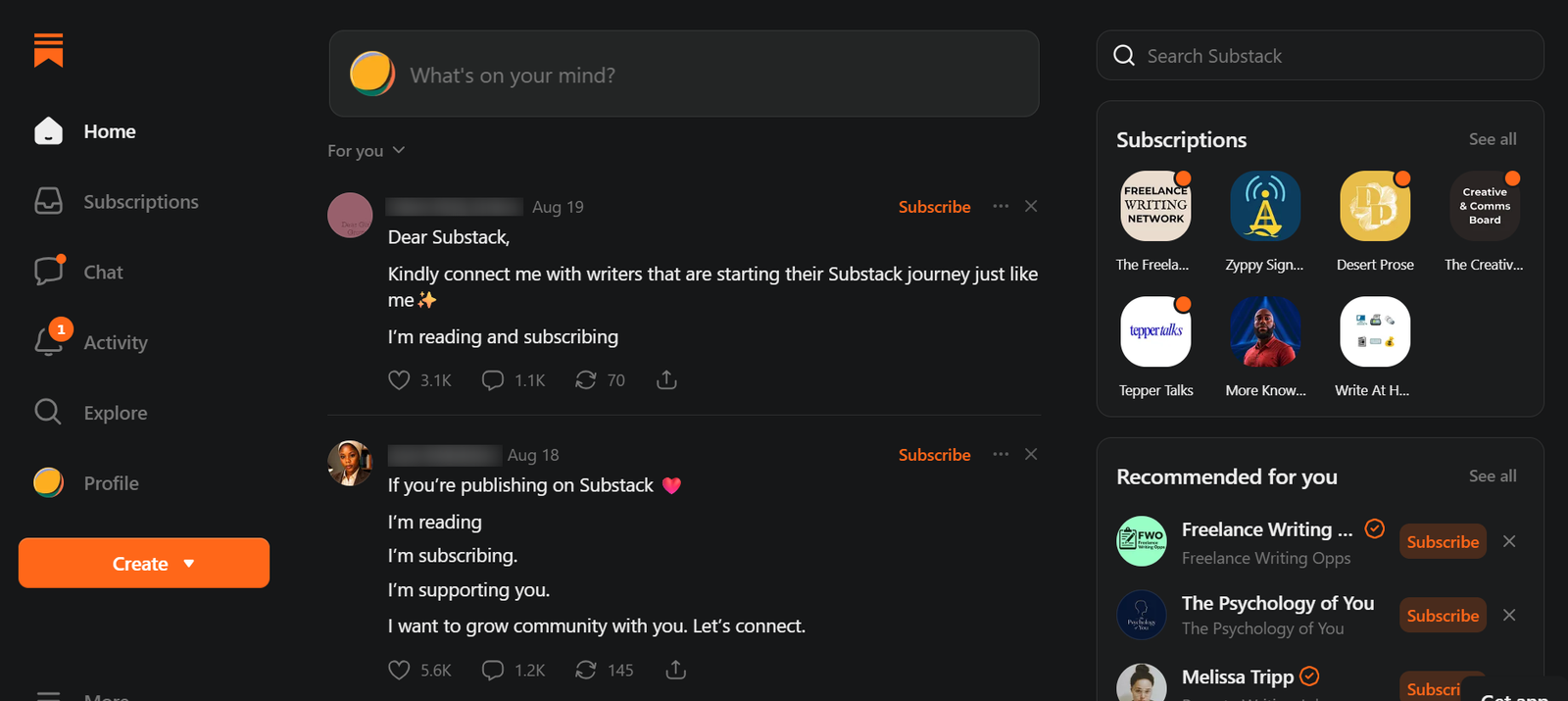
Substack is a strong choice if you want your blog and email newsletter to live in the same place. Instead of building a traditional website first, you create a publication, write posts, and send those posts directly to subscribers from one dashboard.
The free version gives you the core publishing tools without charging upfront, and you can build an audience before deciding to offer paid subscriptions. That makes Substack especially useful for independent writers, analysts, creators, and niche publishers.
A trade-off with this platform is control. Substack keeps the design fairly simple, and you do not get much flexibility over layouts, advanced SEO settings, or site structure.
Is Substack Easy to Set Up for a Blog?
Yes, the setup is very straightforward.
You create a publication, choose a name and basic branding, write your first post, and decide if it should also be emailed to subscribers. There is very little technical setup, so you can go from account creation to publishing quite quickly.
The platform is especially easy to understand if you already know that building an email subscriber list will be a big part of your strategy.
- Blog and newsletter tools are built into one platform
- Free to start publishing and growing an audience
- Very simple writing and publishing workflow
- Good fit for writers focused on email subscribers
- Limited design and layout customization
- Less control over advanced SEO settings
- Not ideal for building a complex multi-page website
- Your publication is closely tied to Substack’s platform
6. Ghost – Best for More Control and Flexibility
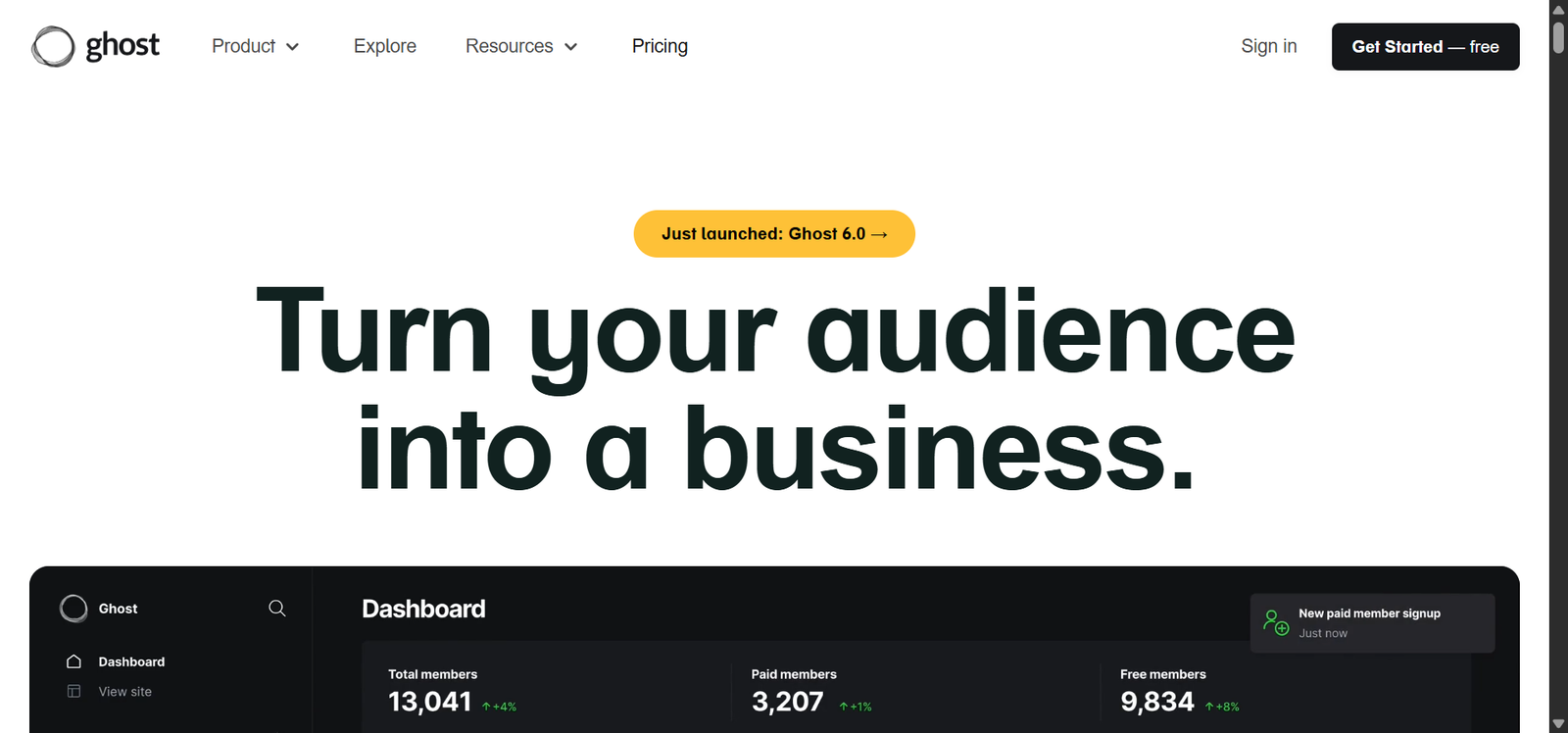
Ghost is a stronger fit for people who want more control over their publishing setup and are comfortable with a slightly more technical path. It is built around blogging, memberships, newsletters, and independent publishing.
The important thing to understand is that Ghost itself is open-source, but using it for free usually means self-hosting it yourself. If you use Ghost(Pro), which is the managed version, you pay for hosting.
That makes Ghost very different from something like Blogger or Medium, where you can simply create an account and stay on a hosted free plan. In return, you get a cleaner publishing system, strong membership tools, and more ownership over your site.
What’s Setup Like for Ghost?
That depends on how you use it.
Ghost is fairly straightforward because the hosting and technical setup are handled for you. Self-hosting Ghost takes more work because you need to deal with hosting, installation, updates, backups, and other technical tasks yourself.
Once the site is running, though, the actual writing experience is clean and easy to use. The complexity is mostly in getting the platform running and maintaining it, not in creating posts.
- Clean, distraction-free writing experience
- Strong tools for memberships and newsletters
- More ownership and control over your site
- Good fit for serious publishers and independent creators
- Truly free use usually requires self-hosting
- More technical setup than most builders on this list
- Managed Ghost hosting is paid
- Can be overkill for someone testing their first blog
7. Bear Blog – Best for a Fast, Minimalist Blog
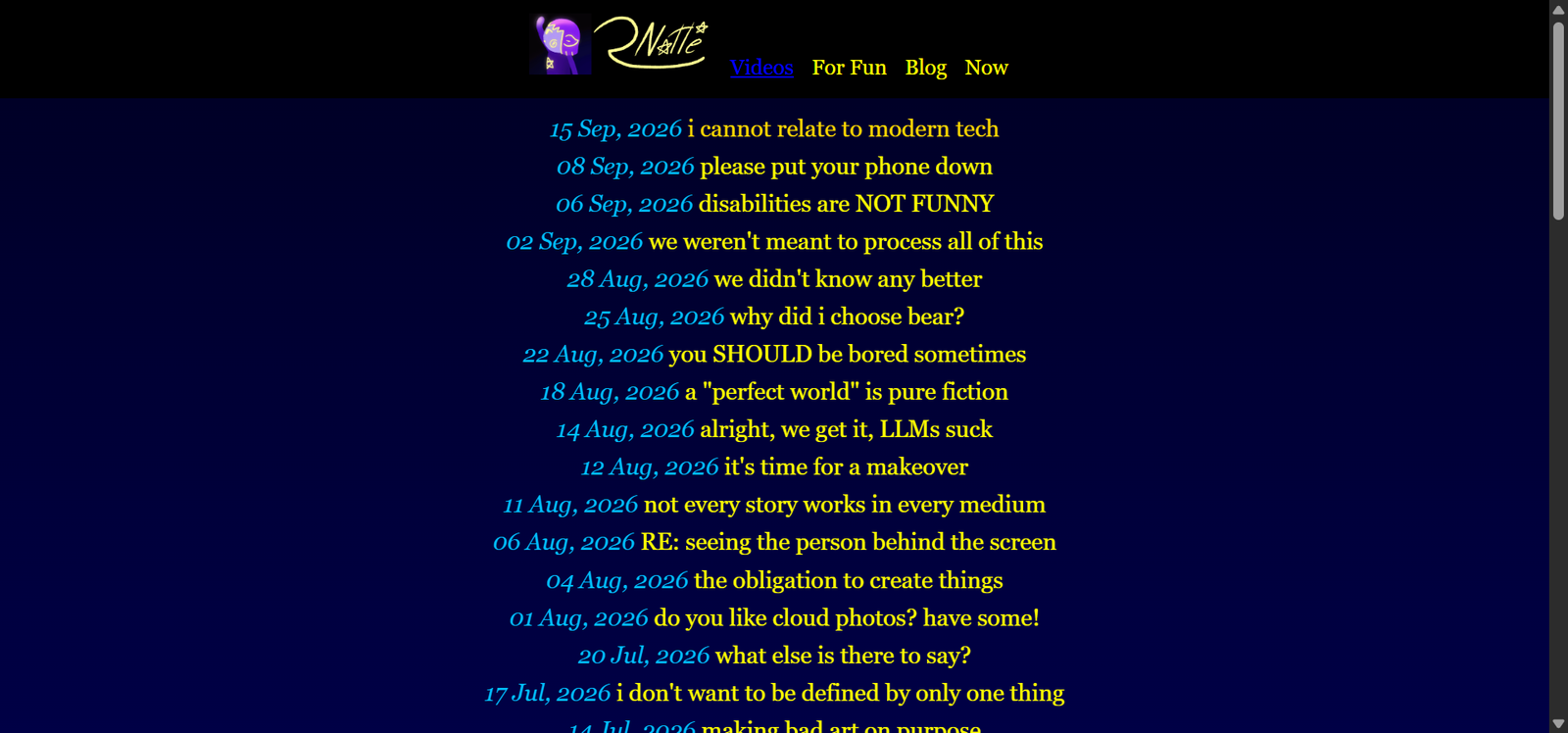
Bear Blog is a good fit if you want to publish without dealing with a complicated builder, heavy templates, or endless customization options. It is intentionally simple, so the focus stays on writing rather than designing every part of the site.
That simplicity also means Bear Blog is much more limited than WordPress.com or Wix. You are not getting a full website-building system, but you do get a lightweight platform that is quick to load and easy to manage.
It makes the most sense for personal blogs, writing projects, developer blogs, or anyone who prefers a clean, stripped-down site over a highly customized design.
Is Bear Blog Easy to Set Up?
Yes, Bear Blog is one of the easiest options on this list because there is very little to configure.
You create the blog, choose the basic settings, and start publishing. The interface is intentionally minimal, so there is much less to learn compared with larger website builders.
That is great if you want speed and simplicity, but it can feel limiting if you later want advanced layouts, ecommerce features, or a more complex site structure.
- Very simple and quick to start
- Clean, distraction-free publishing experience
- Lightweight pages and minimal clutter
- Good fit for personal and writing-focused blogs
- Limited design customization
- Fewer advanced features than larger builders
- Not ideal for complex websites
- Limited options for adding extra functionality
How Did We Test and Select These Free Blogging Platforms for Beginners?
Each platform in this guide was checked for the things that matter once you actually start publishing. I looked at the setup, the writing experience, the free plan, SEO options, custom domains, monetization, and what happens if you want to upgrade later.
Some choices were obvious. WordPress, for example, powers almost 60% of websites on the web, according to WPZOOM, so it had to be included. The rest were chosen to cover different needs, from simple personal blogs to platforms that can grow with you over time.
To make the comparison fair, the same basic checks were used across all seven platforms. I wanted to see which ones stayed simple after setup, which free plans became restrictive quickly, and which builders still gave you room to grow.
What Should You Look for in a Free Blogging Website?
A free blogging website for beginners should be easy to start with, but it also needs to make sense once your blog begins growing. Before choosing one, check the areas that usually become frustrating later. Ask the following questions to reach a decision.
What Does the Free Plan Actually Include?
Look beyond the word “free.”
Check if the platform adds its own branding, limits storage, blocks useful features, or keeps important tools behind a paid plan. Some free plans are perfectly usable, while others feel like extended trials.
Can You Use Your Own Domain?
A custom domain makes a blog look much more professional. Many free blogging websites for beginners only let you use their subdomain unless you upgrade, so this is worth checking early if you already know you want your own site name.
Does It Give You Enough SEO/GEO Control?
At minimum, look for control over page titles, meta descriptions, headings, image alt text, and indexing settings. It also helps if the platform lets you edit slugs, since a clean URL structure gives you more control over how posts are organized and presented in search.
You do not need every advanced SEO/GEO feature on day one, but basic control becomes important if you want people to find your blog through Google.
Can You Make Money From the Blog?
If monetization is part of the plan, check the rules before committing. Some platforms allow ads, affiliate links, memberships, or paid subscriptions. Others limit those options or require a paid plan first.
Can It Grow With You?
The best free blog builder is one you will not immediately outgrow.
Think about what happens when you want more traffic, better design, more pages, a custom domain, stronger SEO tools, or better monetization. A clear upgrade path can save you from moving everything later.
Growth also depends on what you publish. Building up useful evergreen content can give you blog posts that stay relevant long after publication.
Which Free Blogging Platform Is Best for Beginners?
WordPress.com is probably the strongest option here if SEO is a major part of your plan. It gives you more control over things like titles, URLs, headings, site structure, and content organization than most of the simpler publishing platforms.
This platform also gives you a clearer path to move into a more advanced WordPress setup later if you need more SEO control.
Wix has improved a lot too and gives beginners access to the main SEO settings they need. You can edit titles, meta descriptions, URLs, image alt text, and other basics without touching code. For a small blog, that may be enough.
If organic search is one of your main traffic goals, I would focus more on control than on the platform name itself. The builder should give you enough flexibility to properly optimize your website for SEO as your blog grows.
FAQs about Free Blogging Platforms for Beginners
What is a Free Blogging Website?
A free blogging platform is a site that allows you to create and host a blog without the need for coding or design expertise. It offers you everything you need to create, publish, and promote your material in one package absolutely free.
With a free builder, you can:
- Choose pre-made blog templates
- Change layouts, fonts, and color schemes to suit your style
- Add text, images, video and audio with ease
- Blog from desktop or mobile anytime
- Publish instantly without hosting and security concerns
Is There a Completely Free Blogging Platform for Beginners?
Yes, several platforms let you create and publish a blog without paying upfront. Blogger, Medium, Substack, and Bear Blog are good examples. The main trade-offs usually involve custom domains, design freedom, branding, advanced SEO controls, or monetization features.
Can You Create a Blog for Free Without Buying Hosting?
Yes, hosted platforms like WordPress.com, Wix, Blogger, Medium, and Substack include hosting as part of the platform. You can create an account and start publishing without buying a separate hosting plan, although some advanced features may require an upgrade later.
Can You Make Money With a Free Blog?
Yes, but your options depend on the platform. Some support ads, affiliate links, memberships, or paid subscriptions, while others limit monetization on free plans. If earning money is a major goal, check those rules before building your blog there.
Is Blogger Still Worth Using in 2026?
Blogger can still be useful if you want a simple, free blog with very little setup. It is easy to use and works well for basic publishing. However, the design options and overall interface feel much more limited than newer platforms like Wix or WordPress.com.
Can You Use Your Own Domain With a Free Blog Builder?
Sometimes, but many free plans do not include custom domain support. You may be given a platform-branded address instead. If you want a professional domain from the start, check the platform’s pricing carefully because connecting one often requires a paid plan.
What Is the Easiest Free Website Builder for a Blog?
Wix is one of the easiest options if you want a visual website builder with drag-and-drop editing. Blogger, Medium, and Bear Blog are simpler if your main goal is writing and publishing with as little setup and design work as possible.