
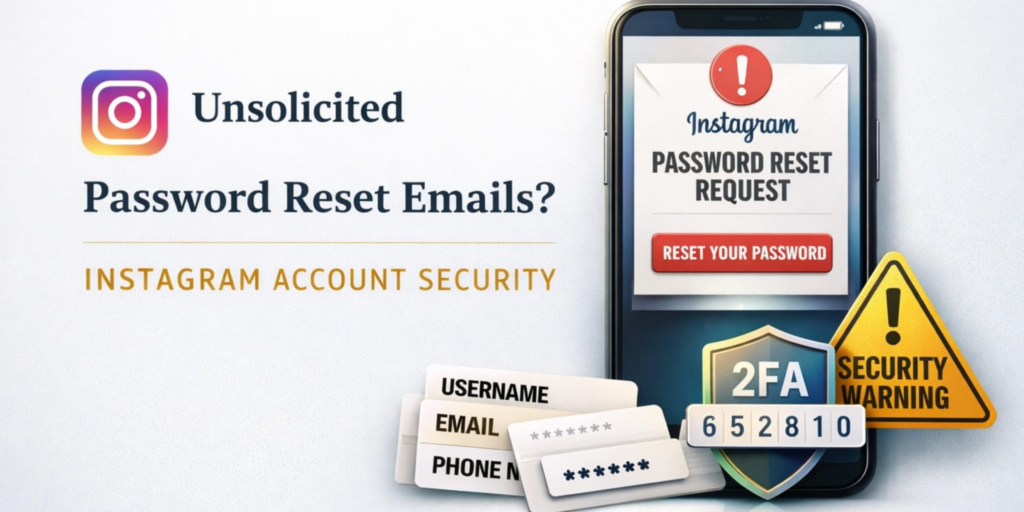
Recently, Instagram users around the world have been receiving password reset emails they never asked for, causing worry about a potential data breach or cyberattack. These emails often show a Reset Password button and claim that someone requested a password change. Because of these unexpected email alerts on accounts that weren’t touched, many people feared their profile data including usernames, email addresses, or phone numbers might have been exposed by hackers or leaked online.
At first, cybersecurity firms like Malwarebytes suggested that private data from about 17.5 million Instagram accounts had been exposed and was circulating on hacker forums, which could help attackers send convincing phishing messages. This information reportedly included details such as usernames and contact info, raising breach fears and highlighting broader cybersecurity risks.
However, Meta Instagram’s parent company has publicly denied that its systems were hacked and insists there has been no serious compromise of user data. According to Meta, a system issue allowed an external party to trigger mass password reset emails, but this did not mean accounts were accessed or that sensitive information was taken from Instagram’s internal servers. Meta explained that its internal tools were functioning normally and the incident stemmed from automated misuse of the reset process, not a direct breach.
What users should know about these suspicious emails
First, it’s important to distinguish real emails from fake ones. Official Instagram security messages only come from trusted senders such as @mail.instagram.com; anything from other sources may be a fake phishing attempt. If you’re unsure, you can check “Emails from Instagram” inside the app’s security settings to confirm whether a reset alert was genuinely sent by the platform.
Even when the sender looks real, you should never click random links unless you requested the reset. Clicking unexpected links can expose you to Malware or lead you to fraud risk pages designed to steal login credentials. Instead, go directly into the Instagram app, and if you feel something is wrong, change your password from there.
Experts say that hackers sometimes use leaked or scraped data which may not come from Instagram’s current servers but from older breaches or API leaks to see which email-and-username combinations are active. Sending password reset emails is an easy way to check if an account is real and could be targeted later for credential security attacks. Whether or not those leaks include passwords, they can still help criminals craft convincing phishing or credential stuffing attacks.
To strengthen account protection, Instagram suggests enabling two-factor authentication (2FA). This adds an extra step beyond your password, typically a code sent to your phone or generated by an authentication app making it harder for attackers to take over your account even if they know your password.
Conclusion: Stay alert, but don’t panic
In summary, the recent wave of password reset emails does not automatically mean your online safety has been breached. Meta’s official response confirms that there was no deep data breach within Instagram’s systems, and the issue that caused the reset emails has been fixed. However, the situation did expose how simple actions like entering someone’s username or email into a reset tool can flood users with alerts that look real and trigger privacy risk concerns.
The incident is a good reminder that account security is essential on any social media platform, especially one as widely used as Instagram. By focusing on strong password security, activating two-factor verification, and learning how to spot fraudulent messages, especially suspicious emails that arrive unprompted, users can better protect themselves against real cyber threats.
FAQs
Why did Instagram send a reset email if I didn’t request it?
Unexpected password reset emails can result from someone mistyping your username or email, automated abuse of the reset feature, or bots probing accounts. Meta says recent emails were sent due to an external party triggering them and not because of a direct breach of Instagram systems.
Are these emails a sign that my Instagram account was hacked?
Not necessarily, receiving one doesn’t prove a hacked account. Instagram and security experts recommend verifying emails from inside the app and only acting on reset links you personally requested.
How can I protect my Instagram account from future threats?
Enable two-factor authentication, use a strong and unique password, avoid clicking unexpected reset links, and regularly review your account security settings. These steps reduce your cyber risk and help protect your digital privacy.