
Public and residential Wi-Fi usage continues to expand globally with ~950 million public hotspots in 2025 projected to reach 3.15 billion by 2030 due to smart city and connectivity initiatives.

Image by: Author
A strong and stable internet connection is essential in today’s world. Whether at home, in an office, or in a public place, we rely on Wi-Fi for communication, work, and entertainment. But sometimes, a single Wi-Fi router isn’t enough to provide coverage for an entire area. This is where an access point comes in.
An access point helps extend Wi-Fi coverage by allowing more devices to connect without reducing speed or stability. Many businesses and large homes use access points to improve internet access in areas where the main router’s signal is weak.
In this guide, we will explain what an access point is, how it works, and when you should use one.
What is an Access Point?
An access point (AP) is a device that connects to a router, switch, or wired network to create a wireless network. It allows Wi-Fi-enabled devices like smartphones, laptops, and tablets to connect to the internet.
Unlike a Wi-Fi router, which provides internet access and manages the entire network, an access point only extends the existing network. It is commonly used in offices, hotels, airports, and large homes where the main router cannot cover all areas.
How Does an Access Point Work?
An access point connects to a router or switch using an Ethernet cable. Once connected, it broadcasts a Wi-Fi signal that devices can connect to. This helps increase Wi-Fi coverage and improve network performance.
Here’s how it works in simple steps:
- The access point is connected to a router or network switch using an Ethernet cable.
- It receives internet data from the router.
- It converts the wired signal into a wireless signal.
- Devices like laptops, smartphones, and tablets connect to the access point just like they would to a normal Wi-Fi network.
This setup allows multiple access points to work together, creating a seamless network across large areas.
Access Point vs Router: What’s the Difference?
Many people confuse access points with routers, but they serve different purposes.
| Feature | Access Point | Router |
|---|---|---|
| Function | Extends Wi-Fi coverage | Provides internet access and manages the network |
| Connection | Requires a router or switch | Directly connects to the internet |
| Best Use | Large homes, offices, businesses | Homes, small offices, standalone networks |
| Device Management | Handles multiple devices but needs a router | Manages all network devices and settings |
A router is the main device that connects to the internet, while an access point only extends the network.
Types of Access Points
There are different types of access points, each designed for specific needs:
1. Standalone Access Points
- Works independently
- Ideal for small offices or homes
- Easy to set up
2. Controller-Based Access Points
- Managed by a central controller
- Used in large offices, schools, and businesses
- Provides better security and control
3. Mesh Access Points
- Part of a mesh Wi-Fi system
- Used in smart homes and large buildings
- Automatically connects to the strongest signal
Quick link: WiFi 6 vs WiFi 6E
Benefits of Using an Access Point
Using an access point has many advantages, especially in large areas where Wi-Fi coverage is weak.
1. Expands Wi-Fi Coverage
An access point eliminates dead zones and ensures all areas have strong Wi-Fi signals.
2. Supports More Devices
Routers have a limit on the number of devices they can handle. An access point distributes the load and allows more devices to connect without slowing down.
3. Increases Network Stability
With multiple access points, the network remains stable even when many people are connected. This is important for businesses, hotels, and public places.
4. Improves Connection Speed
Instead of relying on one router, access points provide dedicated connections, reducing congestion and improving internet speed.
5. Easy to Scale
You can add more access points as needed, making them a flexible solution for growing businesses.
When Should You Use an Access Point?
You should consider using an access point if:
- Your Wi-Fi does not cover all areas of your home or office.
- You need strong and stable Wi-Fi in large spaces.
- You have many devices connected to the network.
- You experience slow internet speeds due to network congestion.
If your router alone cannot provide good Wi-Fi coverage, an access point is a great solution.
How to Set Up an Access Point
Setting up an access point is simple, but you need to follow the correct steps.
Step 1: Choose the Right Location
Place the access point in an area with poor Wi-Fi coverage to improve the signal.
Step 2: Connect to a Router or Switch
Use an Ethernet cable to connect the access point to your router or network switch.
Step 3: Configure the Access Point
Access the admin panel of the access point and set up the Wi-Fi name (SSID) and password.
Step 4: Test the Connection
Connect a device to the access point and check if the Wi-Fi signal is strong and stable.
Step 5: Add More Access Points (Optional)
If needed, install multiple access points to create a seamless network.
Following these steps ensures your access point works correctly and improves Wi-Fi performance.
Quick link: SSID WiFi: How to Find, Change, and Secure Your Network Name
Access Point vs Wi-Fi Extender: Which One is Better?
Many people wonder whether they should use an access point or a WiFi extender. Here’s a comparison:
| Feature | Access Point | WiFi Extender |
|---|---|---|
| Function | Expands Wi-Fi using a wired connection | Boosts existing Wi-Fi signal |
| Speed | High-speed, stable connection | Slower, can cause signal loss |
| Best For | Large homes, offices, businesses | Small homes, single rooms |
| Setup | Requires Ethernet cable | Wireless, easier to install |
Wi-Fi extenders are simpler, but access points provide better performance and are ideal for larger spaces.
Final Thoughts
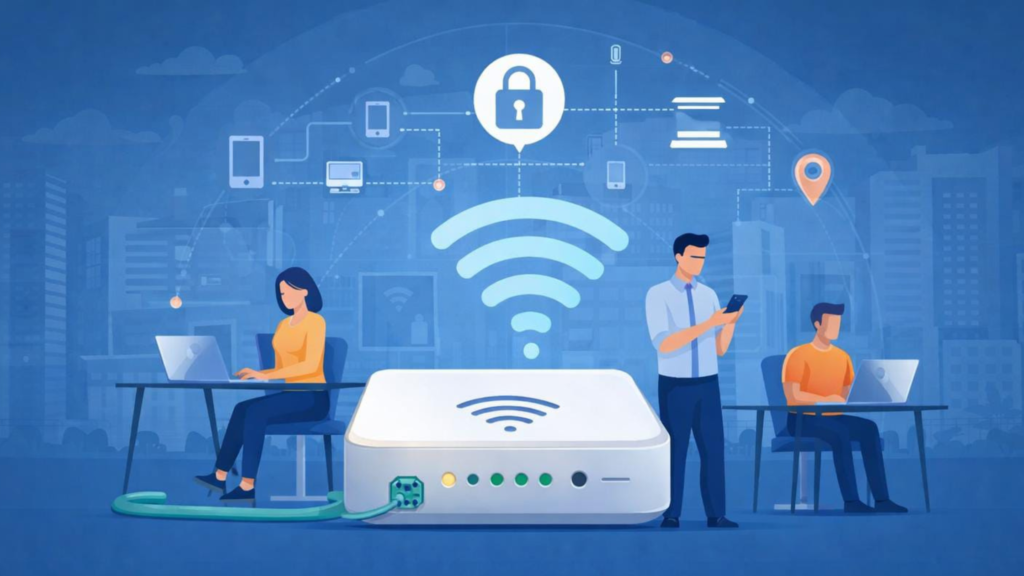
Image by: Author
An access point is a powerful tool for extending Wi-Fi coverage, supporting more devices, and improving network performance. Unlike a Wi-Fi router, an access point does not create a new network but extends the existing one.
If your current Wi-Fi is slow, unstable, or does not reach all areas, adding an access point can solve the problem. Businesses, offices, and large homes benefit the most from using access points instead of relying on a single router.
For more technology and networking insights, follow Daily Digital Grind and stay updated on the latest trends in connectivity.
FAQs
What exactly is a Wi-Fi access point?
A wireless access point (AP) is a networking device that connects wireless devices (like laptops and phones) to a wired network using Wi-Fi. It acts as a bridge, receiving network data through an Ethernet connection and broadcasting it wirelessly so many devices can connect.
How is an access point different from a router?
A router manages and directs traffic between your local network and the internet, often including Wi-Fi. An access point focuses solely on broadcasting Wi-Fi signals from a wired network to extend coverage it doesn’t itself route traffic between networks.
Why should I use an access point instead of a Wi-Fi extender?
Access points connect via Ethernet to the network, offering stronger, more stable wireless coverage with full bandwidth. Extenders grab and rebroadcast the wireless signal, which can result in reduced speed and efficiency.