
AI has already become a huge part of our daily life, and freelance work is no different. In Fiverr’s 2025 survey of 3,500 freelancers, 75% said they use AI tools, and 64% said AI has increased their productivity.
Interestingly, there’s a financial reason behind this, too. Upwork’s marketplace data found that freelancers doing AI-related work earned an average 40%+ hourly rate premium compared with freelancers doing non-AI-related work.
But searching for the best AI tools for freelancers won’t automatically save you more time. Five chatbots that all write emails won’t do much for your workflow. You need one tool for one thing, and that’s it.
Here are the 11 free AI tools for freelancers. Each tool below earns its place because it handles a different part of freelance work, and the free plan is useful enough to complete real tasks without paying upfront.
| AI Tool | Best For | What You Can Do | Limitations |
|---|---|---|---|
| ChatGPT | General freelance work | Draft proposals and emails, brainstorm, research, analyze files, work with images, and generate visuals | Advanced tools and image/file usage have limits |
| Perplexity | Research | Search the web with AI, find sources, compare information, and research client topics | Advanced Pro searches are limited |
| Canva AI | Graphics and presentations | Create designs, presentations, social graphics, and use a limited number of AI features | Monthly AI usage allowance |
| Fathom | Client meetings | Record meetings, transcribe calls, and generate AI summaries | Advanced AI summaries are limited each month |
| Microsoft Clipchamp | Video editing | Generate captions, voiceovers, remove silence/noise, use AI-assisted editing, and export 1080p videos | Some premium stock and features remain paid |
| Reclaim AI | Scheduling and time management | Automatically schedule tasks, focus time, habits, and meetings around your calendar | Limited calendars, scheduling links, and planning range |
| Buffer AI Assistant | Social media | Generate post ideas, rewrite content for different platforms, and schedule social posts | Free plan supports up to 3 channels |
| HubSpot Breeze Assistant | Leads and client management | Manage leads, summarize CRM activity, prepare for calls, and draft follow-ups | More advanced automation and AI agents require paid plans |
| Google NotebookLM | Client documents and research | Analyze PDFs, websites, briefs, notes, and other sources using source-grounded AI | Daily usage limits apply |
| Zoho Invoice + Zia | Invoicing and payment follow-ups | Create invoices, monitor payments, identify overdue accounts, and get AI help drafting reminders | Some advanced business features and integrations are restricted |
| GitHub Copilot | Freelance developers | Generate code, autocomplete repetitive work, use AI chat, and get coding assistance | Monthly code completion and chat limits |
1. ChatGPT – Best All-Round AI Tool for Freelancers
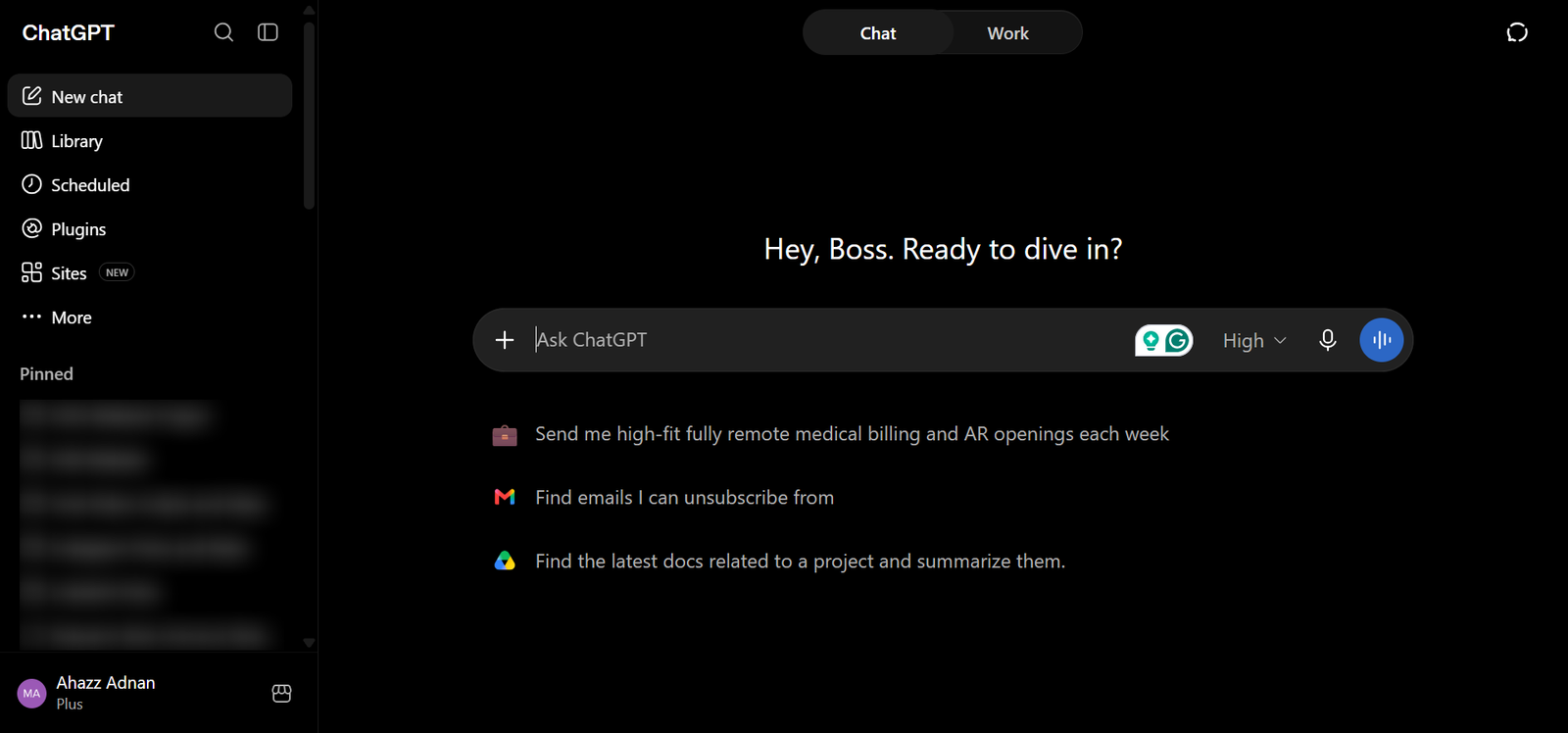
If you only want to add one AI tool to your freelance workflow, ChatGPT is probably the most versatile place to start.
The free version currently runs on GPT-5.6 Luna and gives freelancers much more than a text chatbot. Free users can search the web, upload files and images, analyze data, use existing GPTs, and generate images directly inside ChatGPT.
For example, you could upload a client brief and ask ChatGPT to:
- Extract the deliverables, deadlines, and important requirements.
- Identify anything in the brief that needs clarification.
- Research the client’s industry or competitors using web search.
- Turn your notes into a project outline.
- Draft a proposal or client email.
- Analyze a spreadsheet or CSV the client provided.
- Generate a rough visual concept or supporting image.
That range is why I’d choose ChatGPT over filling this list with several general-purpose assistants that largely overlap. Freelancers doing more visual work can also use tools built specifically to generate AI art .
2. Perplexity – Best AI Tool for Research
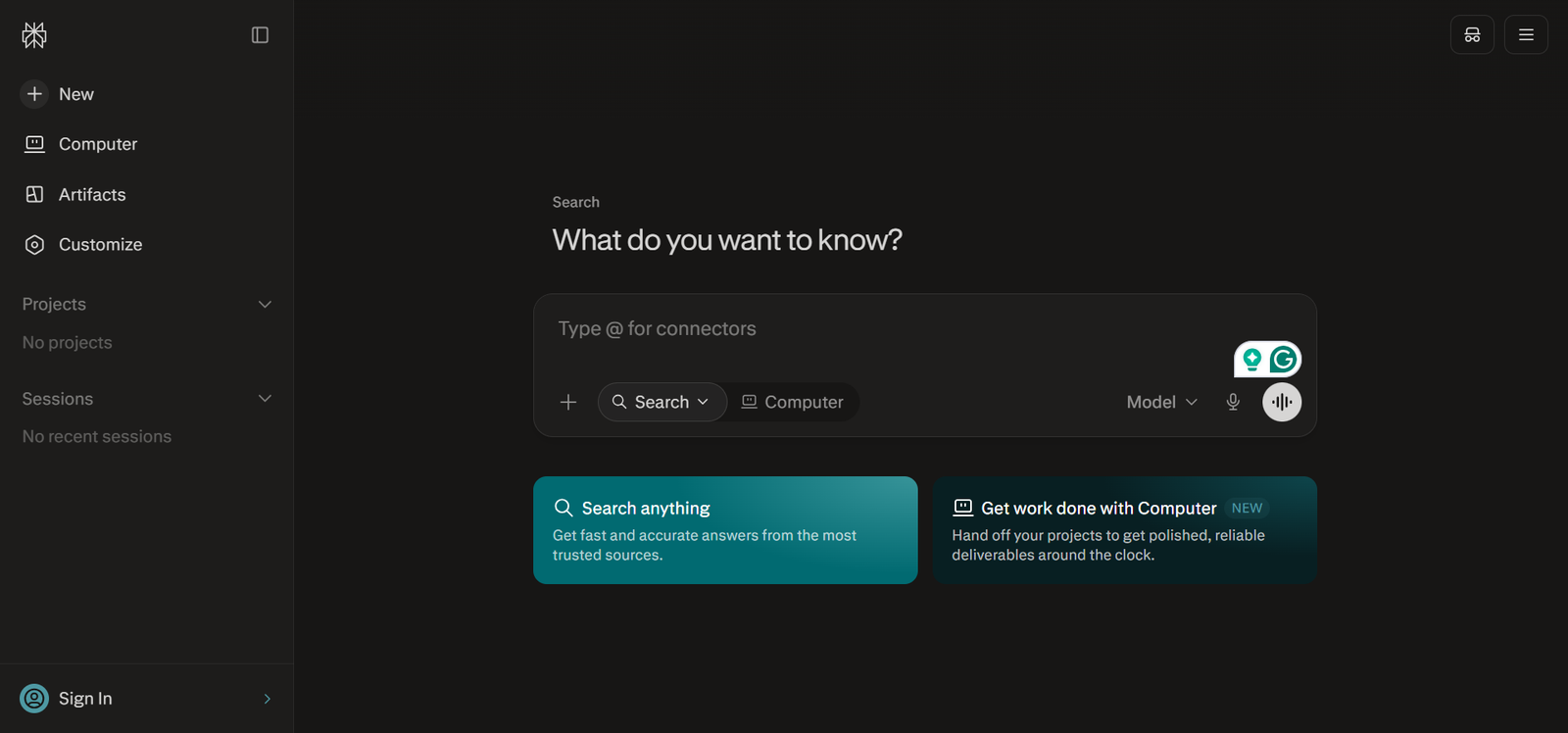
Research is one of those freelance tasks that can swallow an hour before you realize it. You search Google, open six tabs, skim articles, chase the source of a statistic, and then try to remember which page actually supported the claim you wrote down.
Perplexity is useful because it combines the search and first-pass research stages. You ask a question in normal language, it searches the web, synthesizes what it finds, and gives you links back to the sources so you can inspect them yourself.
Just remember not to copy Perplexity’s answer into client work. Open the citation and make sure the report says exactly what you’re looking for and is the latest.
This AI tool doesn’t really compete directly with ChatGPT. It earns its place because it can drastically shorten the “find me reliable information on this topic” stage of freelance work while keeping the sources visible.
3. Canva AI – Best AI Tool for Graphics and Presentations
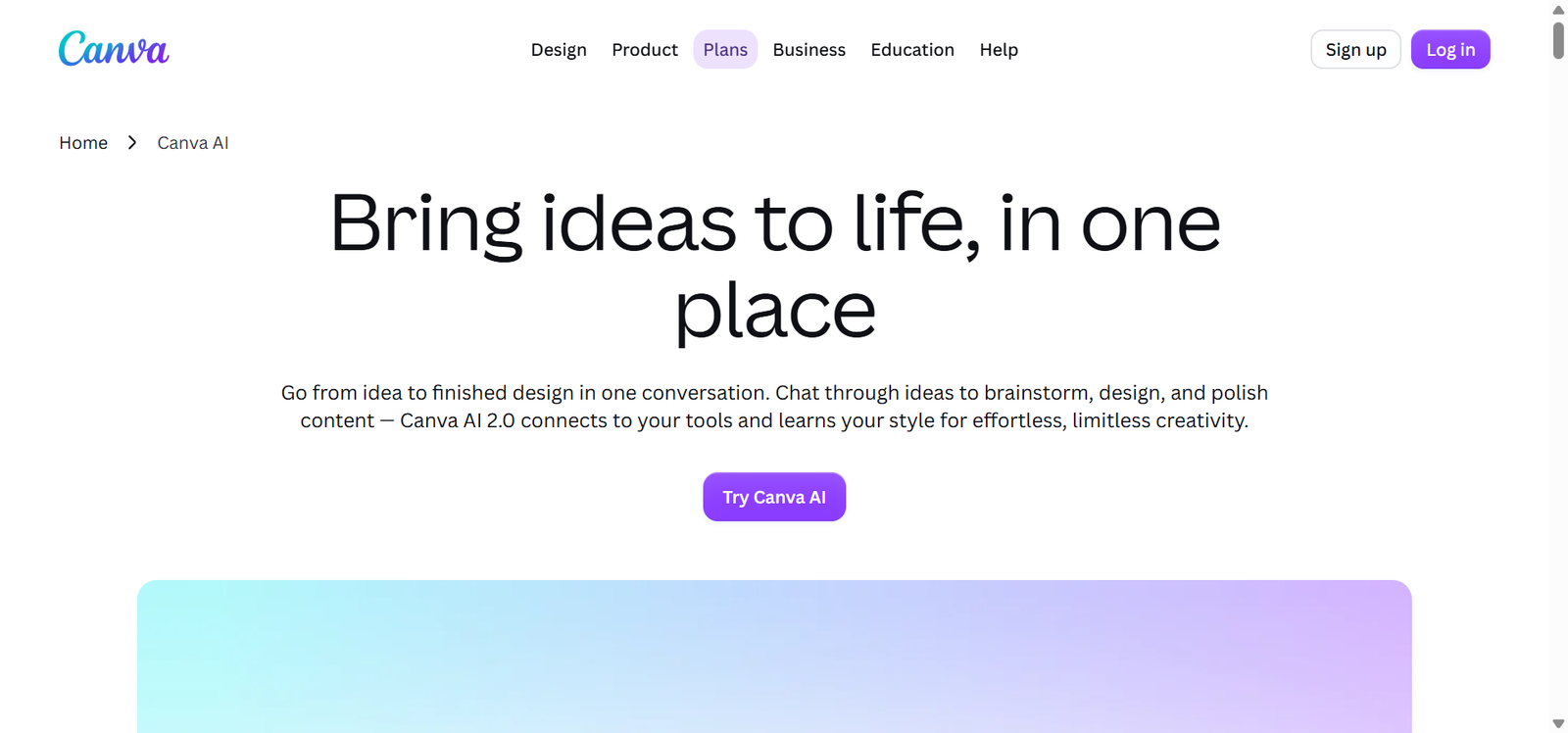
Hiring a designer for every small asset isn’t realistic for many solo freelancers, and learning professional design software can take longer than the design itself. That’s the gap Canva AI fills particularly well.
Canva’s free plan currently provides access to Standard and some Premium AI tools through a shared monthly AI allowance of up to 20 uses. This allowance resets every month. Keep in mind that Ultra AI tools aren’t available on Canva Free.
This tool is part of a group of generative AI tools that cover text, images, audio, video, and code. Free Canva users can access AI-assisted features that include tools such as:
- Magic Write for generating or rewriting copy
- Canva AI text tools
- AI image generation
- AI Voice
- Photo and video animations
- Image Upscaler
- Magic Formulas
Canva also lets users access certain AI tools directly without first creating a design. For example, you can generate an image, create text-to-speech audio, or use background tools and then continue editing the result inside Canva.
4. Fathom – Best AI Tool for Client Meetings
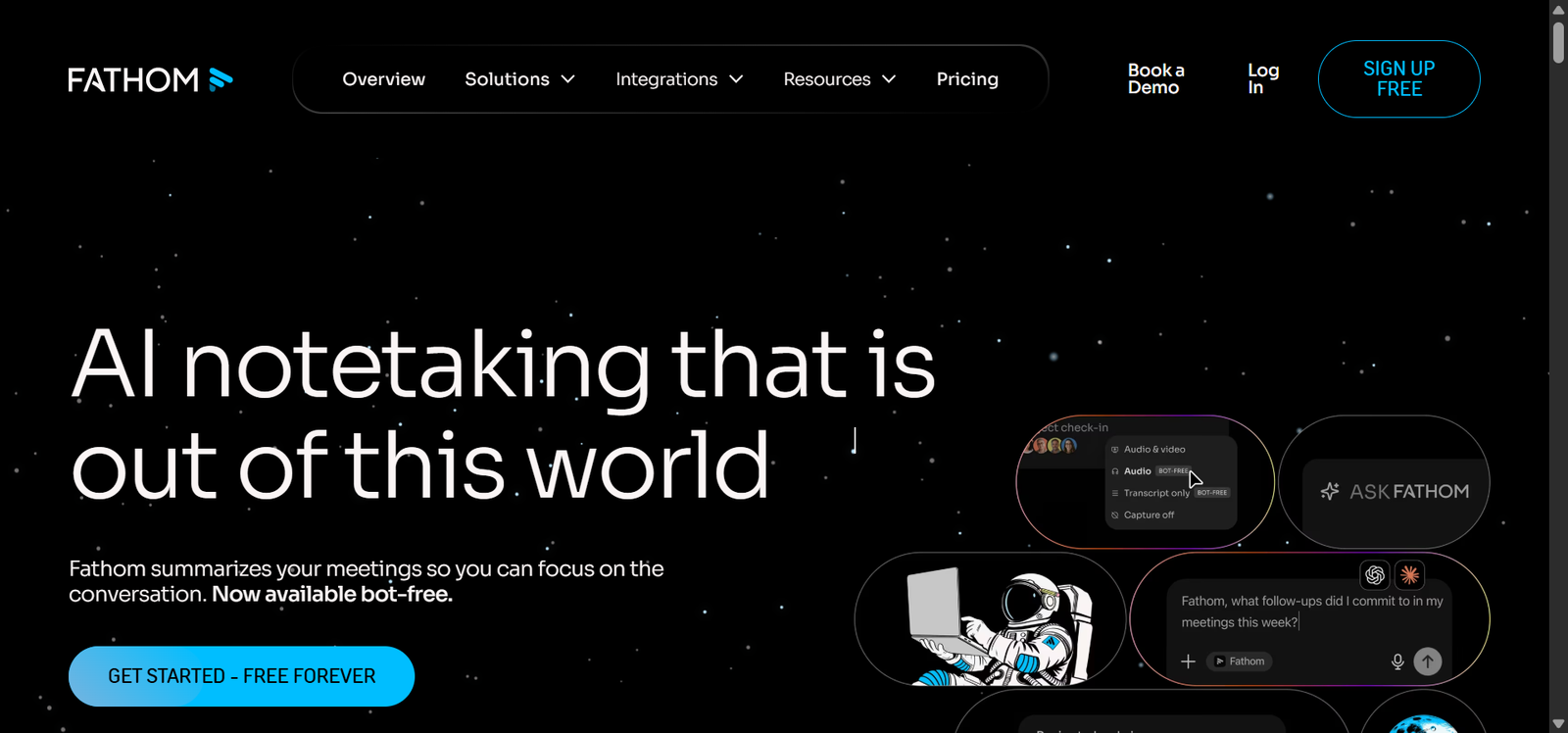
Meetings are one of the easiest places for freelancers to lose billable time. You join the call, take notes while trying to listen, rewrite those notes afterward, then send a recap and turn the conversation into a task list.
Fathom handles most of that automatically. I understand Zoom has been a lifesaver during COVID, however, based on the nature of our list of AI tools for freelancers, Fathom was the best available option.
Its free plan includes unlimited recordings, unlimited storage, and unlimited transcription in 38 languages. Free users also get advanced AI summaries for their first 5 calls each month. After that, Fathom still provides its General/Enhanced summary template.
Fathom also allows free individual users to connect with tools such as HubSpot, Salesforce, Close, and Zapier under certain conditions. This makes it easier to move meeting notes into an existing workflow.
5. Microsoft Clipchamp – Best AI Tool for Video Editing
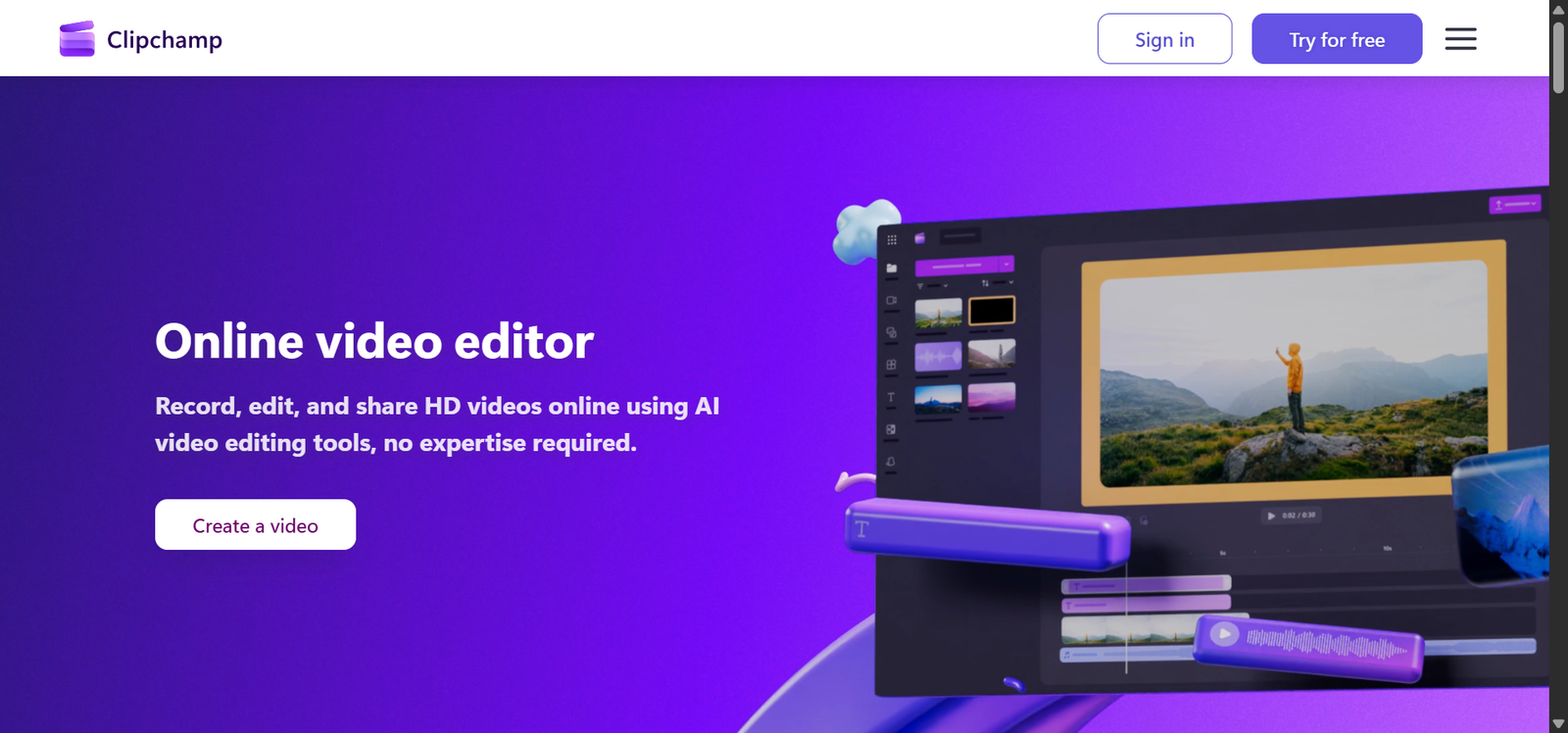
Video editing is another task where a freelancer can easily spend more time cleaning footage than creating anything useful.
Clipchamp stands out because several of its genuinely useful AI editing features are available on the free plan rather than locked behind a short trial. Microsoft currently includes AI-powered features such as:
- Auto Compose
- Automatic captions and transcripts
- AI text-to-speech voiceovers
- Silence removal
- Background-noise suppression
- Image background removal
You get all this on the personal version of Clipchamp. Free users can also export unlimited videos at up to 1080p without a watermark.
Clipchamp’s Auto Compose can take the media you upload and create a first-draft video automatically.
It reviews the photos and footage, chooses highlights, pacing, transitions, music, and layouts, then generates a draft you can continue editing manually. Microsoft says Auto Compose is free for Clipchamp users and exports in 1080p HD.
6. Reclaim AI – Best AI Tool for Scheduling
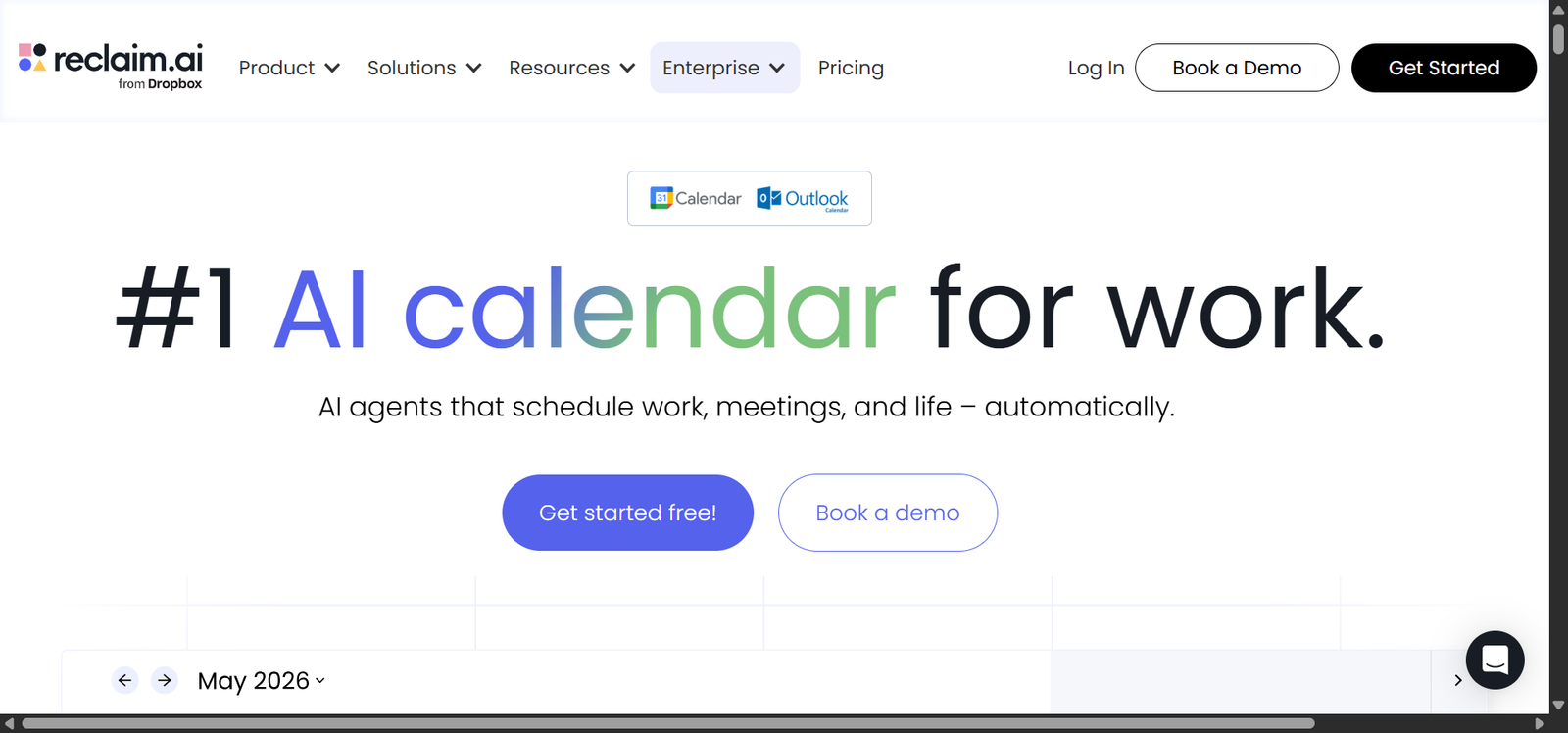
You can relate to me when I say that, as freelancers, we do not have a manager micro-managing us during client work, meetings, and follow-ups. But that freedom can turn into a nightmare if your calendar is a mess.
Reclaim AI is useful because it does more than show you an empty calendar. Its AI scheduling agents automatically place work into your available time and adjust that schedule as meetings and priorities change.
The current free plan includes 5 AI agents covering Focus Time, Habits, Buffer Time, Smart Meetings, and Meeting Quality. Reclaim AI describes the plan as free forever for individual users.
Reclaim’s Lite plan remains available at $0 after the initial trial. New accounts get a 14-day trial of the fuller product, and if you do not upgrade, the account automatically moves to the free Lite plan rather than charging you.
7. Buffer AI Assistant – Best AI Tool for Social Media
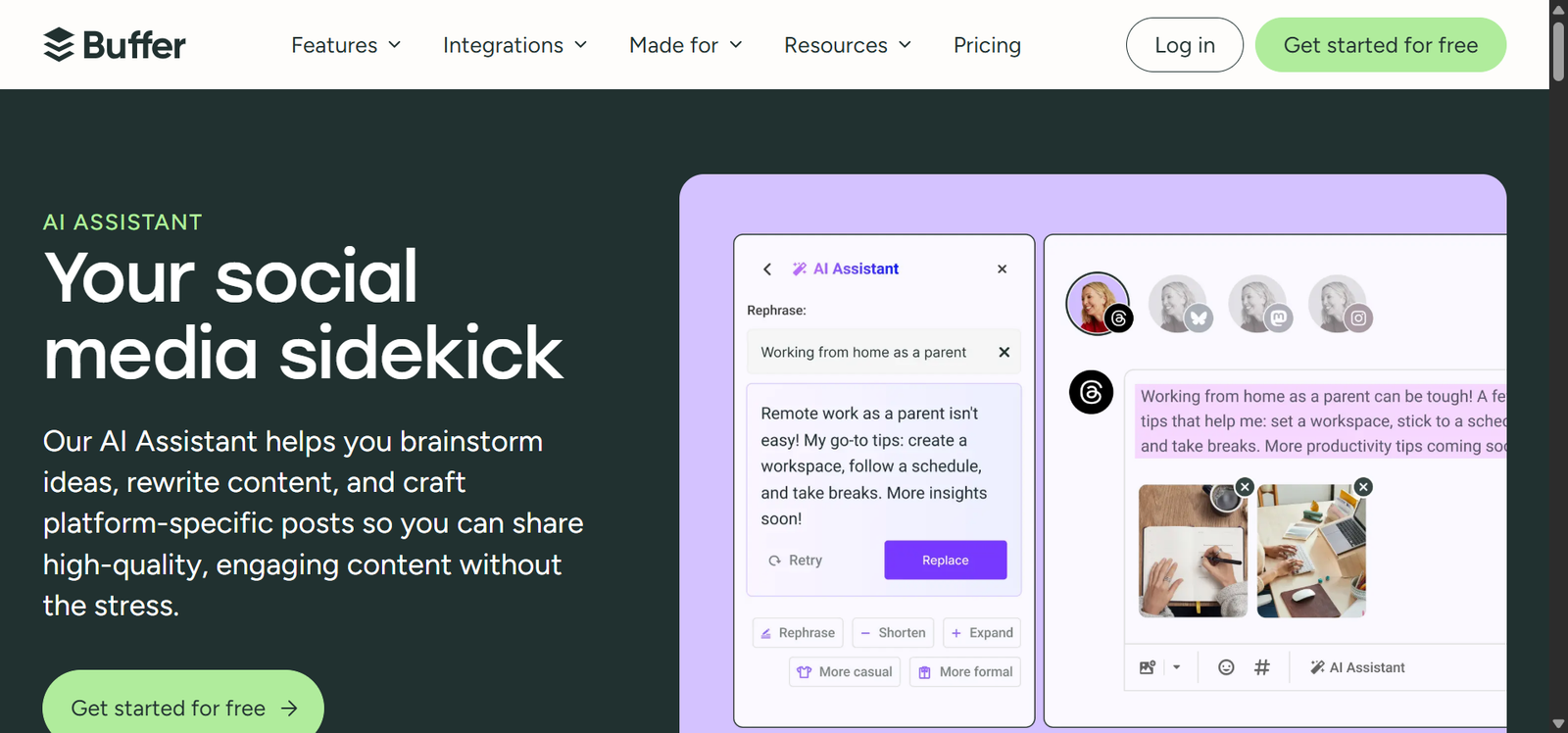
If you work in social media, you know how annoying repetitive tasks can be. You write one idea for LinkedIn, then rewrite it for Instagram, then shorten it until the client approves. And in the end, you have to copy everything into a scheduling tool.
With Buffer’s AI Assistant, all this becomes synchronized. Its free plan is currently free forever, up to 3 connected channels. You can make 10 scheduled posts per channel at a time, and it includes its AI Assistant.
A social media freelancer could use Buffer AI to turn that into:
- A short LinkedIn post
- A punchier Threads post
- An Instagram caption
- Several alternative hooks
- A shorter version for another publishing date
Then those drafts can go straight into Buffer’s scheduler instead of being copied into another platform. The time saving comes partly from AI writing, but also from removing those extra handoffs.
8. HubSpot Breeze Assistant – Best AI Tool for Managing Leads and Clients
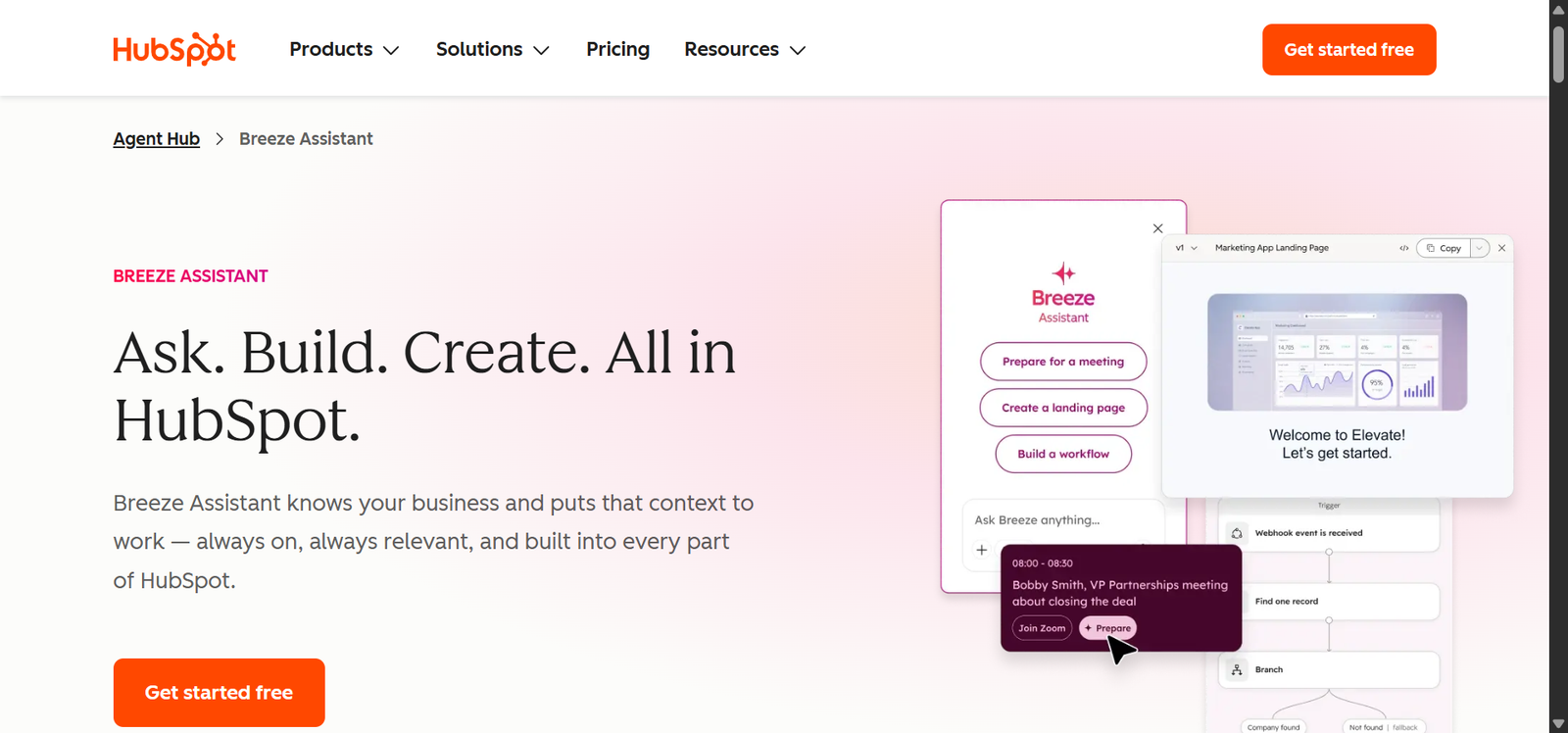
HubSpot’s free CRM solves the organizational side of problems. Once several clients email you, book calls, ask for proposals, and disappear for two weeks, it becomes surprisingly easy to forget who needs a follow-up.
This platform currently offers its free CRM with no expiration date, no credit card requirement, up to 2 users, and up to 1,000 contacts. Breeze Assistant is included in the free CRM and is available across HubSpot plans.
My team has been using Breeze Assistant, which means they now don’t have to summarize CRM records, prepare for meetings, generate content, review account data, and manually answer questions.
Before any call, they simply ask Breeze to summarize the record and highlight the important context. For a freelancer handling several prospects simultaneously, that can remove a lot of repetitive preparation.
9. Gemini Notebook – Best AI Tool for Client Documents
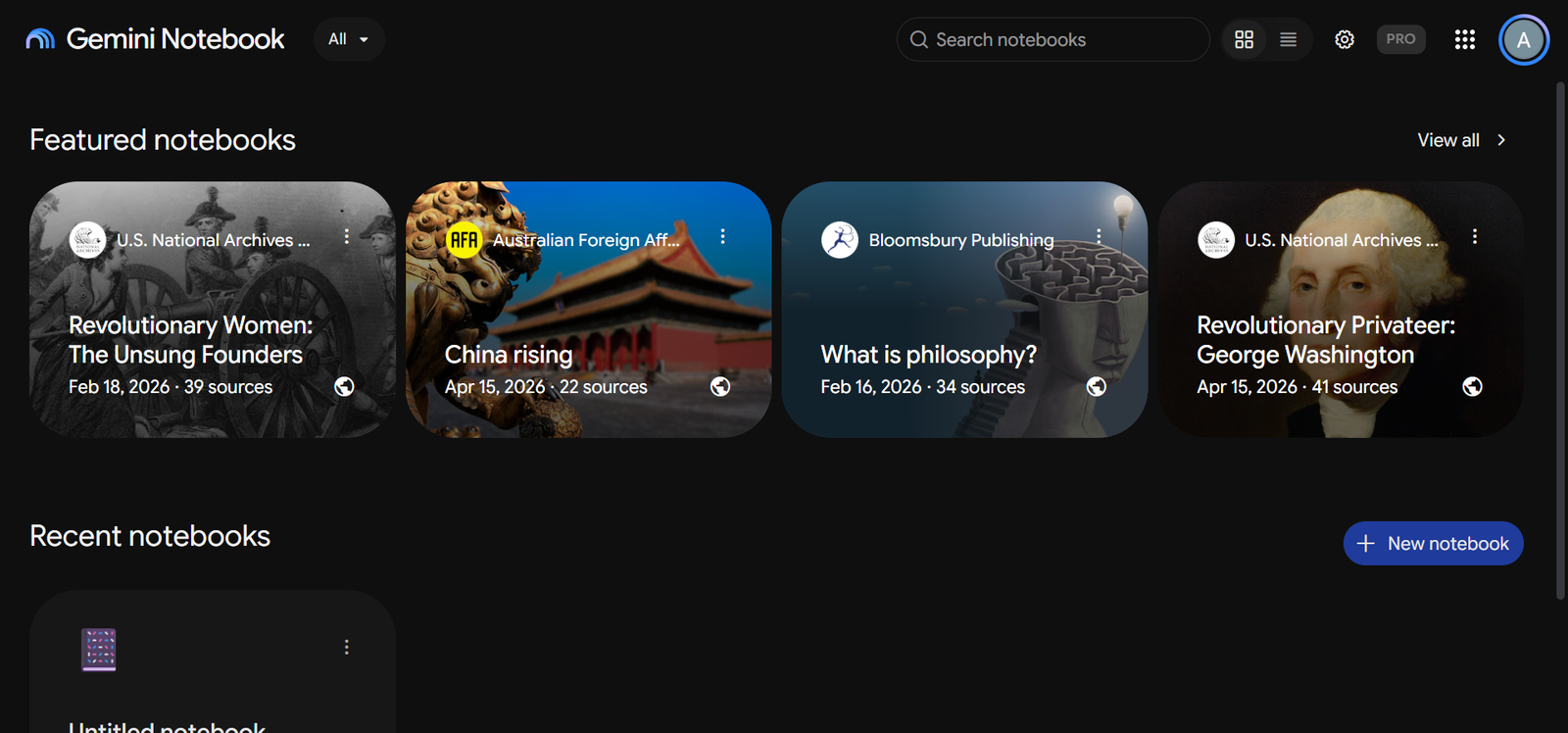
Gemini Notebook, aka NotebookLM, is best for asking what specific documents actually say. This tool is built around sources that you give, and it grounds its answers in your selected documents and provides citations back to those sources.
Imagine a client gives you a 40-page brand guide, competitor pages, previous marketing materials, and whatnot. Now, instead of reopening the documents repeatedly, you could create one notebook for that client and upload the material once.
Moreover, NotebookLM can transform source material into generated formats such as Audio Overviews, Video Overviews, reports, mind maps, and other study/research artifacts.
As a freelancer, you can use Audio Overviews while commuting, walking, or doing basic admin tasks. One feature I love about it is the privacy feature. Google explicitly says that the files you add and chat history are not used to train its foundational AI models.
10. Zoho Invoice + Zia – Best AI Tool for Invoicing
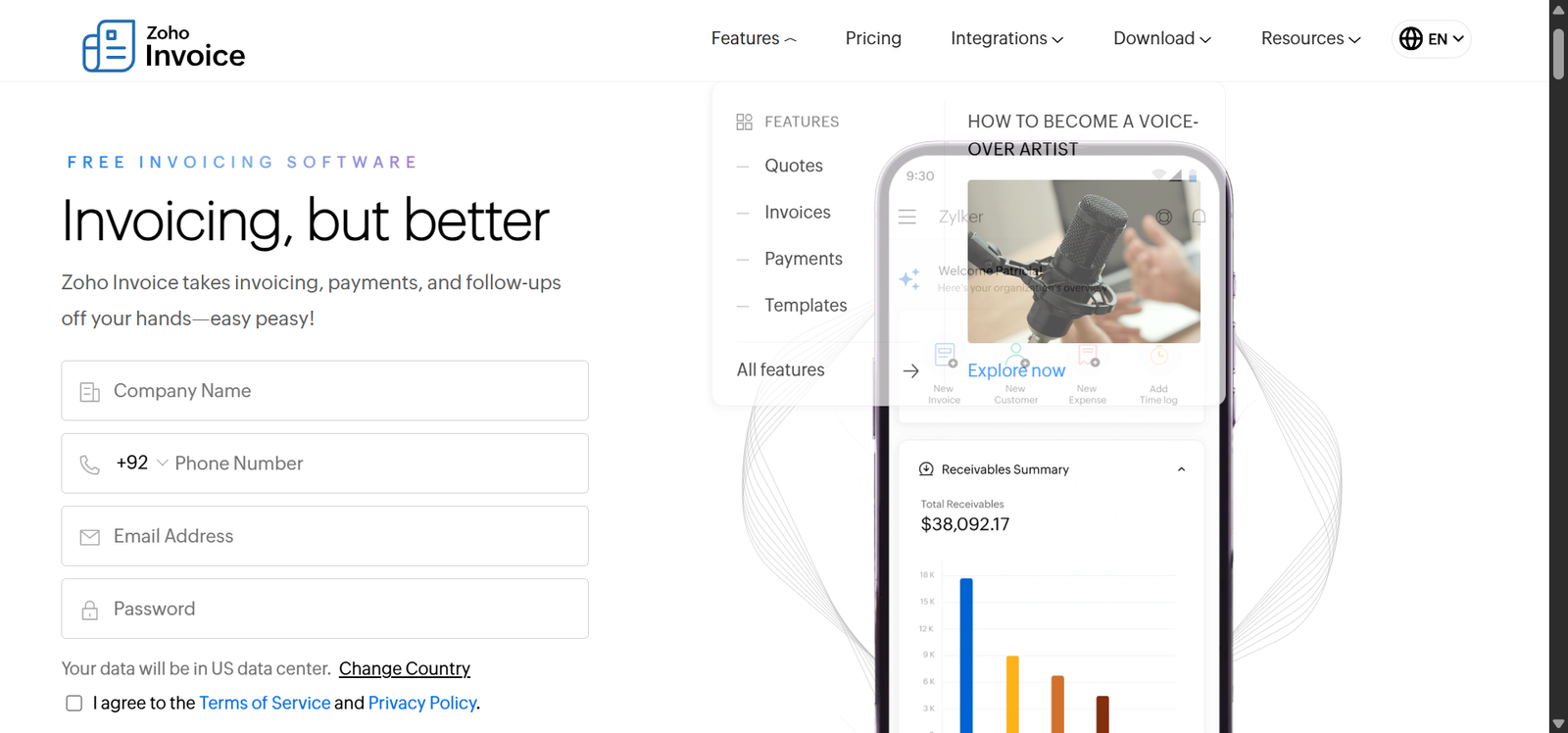
Getting paid is one of the least glamorous parts of freelancing, but it is also one of the places where repetitive admin piles up quickly. You create the invoice, send it, notice it is overdue, follow up again, and repeat the process for another client.
Zoho Invoice is unusually strong here because the actual invoicing product is forever free. It currently allows freelancers and small businesses to send up to 500 invoices per year, manage up to 3 projects, and add 2 users without paying.
The actual AI Assistant Zoho uses is called Zia. It can look at the invoicing data already inside your account and surface useful payment information.
For example, Zia can identify customers who have paid less than 70% of their invoiced amount over the previous six months. This helps you spot repeat payment problems rather than manually checking each client.
11. GitHub Copilot – Best AI Tool for Developers
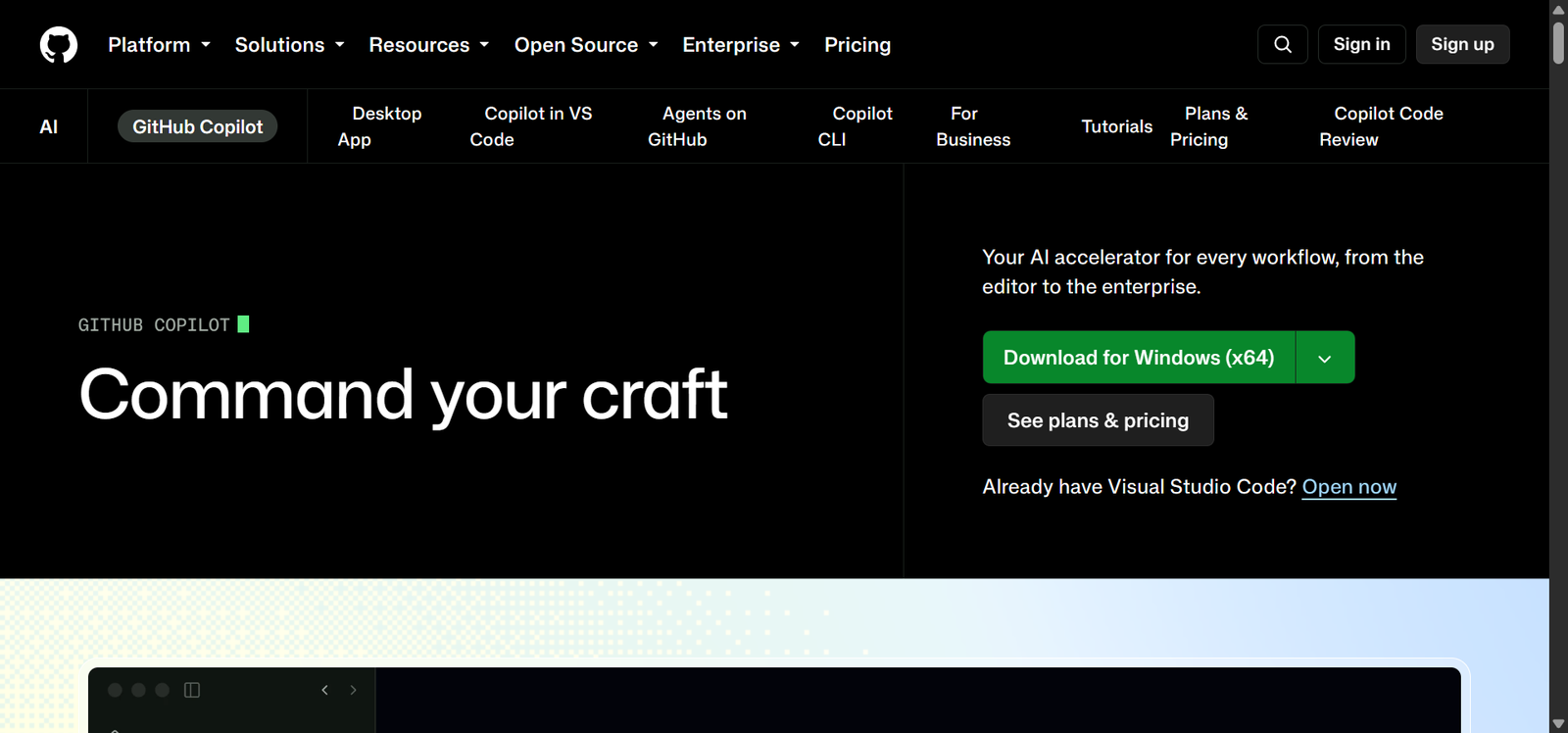
This final tool is more specialized than the other ten.
If you’re a freelance writer, designer, marketer, or consultant, GitHub Copilot probably isn’t useful to you. Though if you’re a freelance developer, it can be one of the most practical AI tools on this entire list.
GitHub Copilot works directly inside coding environments. Its free plan currently includes 2,000 code completions per month, Copilot Chat with limited usage, agent mode, Copilot CLI, and access to AI models through automatic model selection.
As a developer, you might spend a lot of time writing repetitive things such as:
- Boilerplate functions
- Validation logic
- API request structures
- Repetitive tests
- Database queries
- Documentation comments
- Error-handling blocks
- Common UI components
Copilot watches the code you’re already writing and can suggest the next lines or blocks directly inside the editor. 2,000 inline suggestions per month are more than enough to do real work if you are not a pro yet.
How Did We Choose These Best Free AI Tools for Freelancers?
To find the best tools, first, we checked the current official pricing pages, help centers, and product documentation for every tool. A tool only stayed if the AI feature itself was available at $0 and the free plan could be used beyond a short demo or trial.
Something that helped me choose the right ones was that my team and I are already using many of these tools as part of our workflow, including ChatGPT, Zoho Invoice, NotebookLM, and Canva AI. This gave us first-hand insights into how well the tools work.
Finally, we followed one specific rule. If a tool could not clearly save time, reduce repetitive work, or help finish a real freelance task without immediately requiring payment, it did not belong here.
How Much Time Can AI Tools Actually Save a Freelancer?
MIT found that people using ChatGPT for professional writing tasks completed them 40% faster while producing work rated 18% higher in quality. Even Harvard Business School and BCG found that consultants using generative AI on suitable tasks worked 25% faster.
Similarly, a larger field experiment involving 7,137 knowledge workers across 66 companies found that active AI users spent about two fewer hours per week on email.
Rather exciting, right?
The table below gives a complete overview of where these AI tools can help save freelancers 20+ hours.
| Freelance Task | Typical Monthly Time | Observed AI Time Saving | Hours Saved |
|---|---|---|---|
| Proposals, drafts and professional writing | 14 hrs | 40% | 5.6 hrs |
| Client emails and follow-ups | 10 hrs | 25% | 2.5 hrs |
| Research and knowledge work | 10 hrs | 25%+ | 2.5+ hrs |
| Client-support/admin conversations | 8 hrs | 0% | 0.7 hrs |
| Coding and development work | 6 hrs | 55% | 3.3 hrs |
| Scheduling and calendar management | 6 hrs | 49% | 2.9 hrs |
| Creative and marketing work | — | 2–3 hrs saved/wk | 8–12 hrs |
| Potential Total | 84 hrs/month | — | 25.5–29.5+ hrs/month |
Word of Advice: Don’t Use All 11 Tools at Once
A better approach is to identify the three or four tasks that consume the most time in your own week and choose tools around them. A freelance writer might get the most value from ChatGPT, Perplexity, NotebookLM, and Fathom.
Similarly, a social media freelancer could build around ChatGPT, Canva AI, Buffer, and Fathom. Meanwhile, a developer may care far more about GitHub Copilot, ChatGPT, Perplexity, and Reclaim AI.
For example, if you spend hours researching before every client project, start with Perplexity or NotebookLM. If you constantly move deadlines around your calendar, Reclaim makes more sense than adding another writing assistant.
That is also the most realistic way to reach the 20+ hours saved per month we calculated earlier. You do not need eleven AI tools working simultaneously. A handful of well-chosen tools used repeatedly on the right tasks can save you more time.
FAQs About AI Tools for Freelancers
What Is the Best Free AI Tool for Freelancers?
For most freelancers, ChatGPT is the strongest all-round free AI tool because one account can handle writing, brainstorming, web research, file analysis, data analysis, image understanding, and image generation. The free plan currently includes GPT-5.6 Luna, although some advanced tools have separate usage limits.
Can Free AI Tools Actually Handle Real Client Work?
Yes, free AI tools can help complete real parts of client projects, including research, first drafts, graphics, meeting transcripts, social posts, invoices, and code. They still require human review before delivery. Fiverr, for example, allows AI-assisted work but requires freelancers to provide original, customized work and remain responsible for the final result.
Should Freelancers Tell Clients They Use AI?
If a client asks about AI use, restricts it, or the use of AI could materially affect the deliverable, be transparent about your workflow. Fiverr specifically requires freelancers to honor requests for non-AI work and encourages discussing AI preferences before starting an order. Agreeing on expectations early can prevent disputes over originality, confidentiality, or how the work was produced.
Is It Safe to Put Client Information Into AI Tools?
Check the tool’s privacy settings and your client’s confidentiality requirements before uploading files, contracts, customer data, or proprietary material. In ChatGPT, personal-account users can turn off Improve the model for everyone, and Temporary Chats are not used to improve OpenAI’s models while they remain temporary.
If Clients Can Use AI Themselves, Why Would They Hire a Freelancer?
Because operating an AI tool and delivering professional work are different jobs. Clients still need someone to understand the brief, make decisions, verify facts, apply specialist knowledge, communicate, and take responsibility for the finished result. Even on Upwork, the jobs specifically asking people to fix or improve AI-generated work grew 70% year over year.
Will AI Replace Freelancers?
AI is more likely to change freelance work than remove the need for freelancers altogether. Routine tasks can increasingly be automated, but current marketplace data also shows growing demand for AI specialists and people who can improve AI-generated output. Upwork found AI-related work grew 25% year over year in early 2025.